
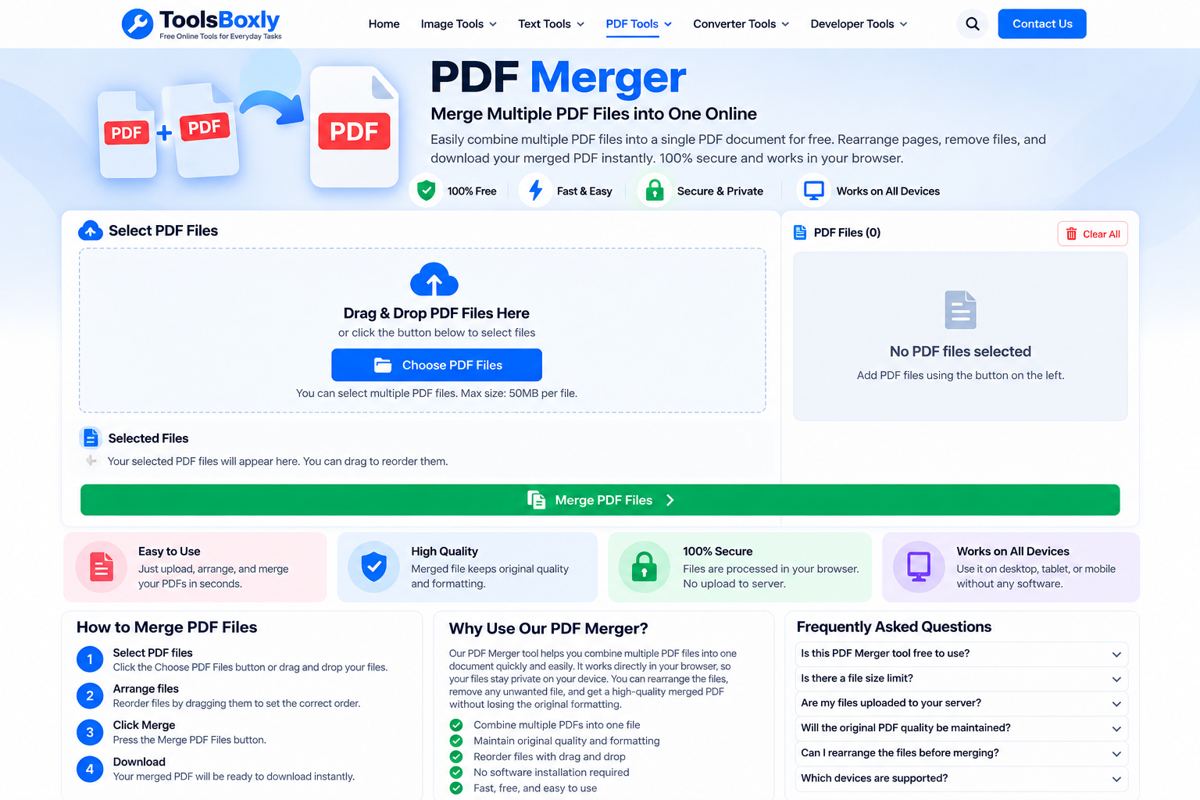
Merge PDF Files Online
Combine multiple PDF documents into one file. Choose your PDFs, arrange their order, and download the merged document.
Add PDF files
Drag and drop PDF files here, or choose them from your device.
PDF files only · Your documents are processed in this browserFree PDF Merger Online
ToolsBoxly's free PDF Merger helps you combine two or more PDF files into one document. Add the files, arrange them in the order you want, and select Merge & Download PDF. The tool runs in your browser, so your selected documents are not uploaded to a ToolsBoxly server by this page.
How to Merge PDF Files
- Choose at least two PDF files from your device, or drag them into the upload area.
- Use the up and down buttons to arrange the files in the order you need.
- Select Merge & Download PDF and wait for processing to finish.
- Open the downloaded file to check that its pages appear in the expected order.
When Is a PDF Merger Useful?
Merging PDFs can help when you need to combine reports, scanned pages, invoices, receipts, study notes, forms, or separate sections of a document. Review the final file before sharing it, especially if the documents contain private or sensitive information.
Frequently Asked Questions
Can I merge more than two PDFs?
Yes. Add two or more PDF files. The files will be combined in the order shown in the selected-files list.
Can I change the order of the PDFs?
Yes. Use the up and down controls beside each file before merging.
Are my PDFs uploaded to a server?
The merge process runs in your browser. The page loads a PDF-processing library from a third-party CDN, but the selected PDF files are processed locally by the browser code.
Why might a PDF fail to merge?
A file may be damaged, password-protected, or not a valid PDF. Try opening it in a PDF reader first. Very large documents may also need more memory or processing time.
Need to create a PDF from pictures instead? Try our Image to PDF Converter.
Related PDF Tools
You can also use the PDF Splitter, PDF Rotator, or Image to PDF Converter for other document tasks.