

Alt text is a short text alternative for an image. It helps people who use screen readers understand meaningful visual content and can provide context when an image cannot be displayed. Useful alt text describes the purpose of the image rather than trying to fit as many keywords as possible into one sentence.
Describe the information the image provides
For a photograph of a red bicycle leaning against a brick wall, “Red bicycle beside a brick wall” may be enough. If the image is a chart, explain the key information or provide the data in nearby text. If an image is simply decorative and adds no information, an empty alt attribute is often appropriate when editing the page markup.
Keep descriptions concise and specific
Avoid vague descriptions such as “image” or “picture”. Do not start every description with “image of” unless those words genuinely help. Long paragraphs are usually not useful as alt text; put detailed explanations in the surrounding article or a caption instead. The goal is to convey relevant information without making the page tiring to navigate.
Do not stuff keywords
Repeating a target phrase in every alt attribute can make descriptions less natural and less helpful. Write for the person who needs the description. If an image shows the Image Compressor interface, describe that honestly. Do not label an unrelated photo as a calculator or claim that an image demonstrates a feature it does not show.
Alt text, captions, and filenames serve different roles
A filename helps identify a file in a media library. A caption is visible to readers and may add context. Alt text provides an alternative to the visual content. They can overlap when appropriate, but they do not need to be identical. For an informative screenshot, mention the feature being demonstrated rather than the file’s marketing purpose alone.
Review images as part of publishing
When adding an image to a post, ask whether it communicates information, supports the surrounding text, and has the correct crop. Add a descriptive alt attribute if it is meaningful. For image tools, make sure the preview matches the tool being discussed. Accurate images and accurate descriptions are more useful than decorative images added only to fill space.
Quick editing checklist
- Describe the relevant content or purpose.
- Keep the wording clear and concise.
- Do not repeat keywords unnaturally.
- Use empty alt text for purely decorative images where appropriate.
- Put long explanations in the article, not the alt attribute.
Alt text is a small detail that can make a website easier to use. Accuracy and context matter more than length.
Related Guides
You may also find it useful to size website images correctly (read this guide) and resize images for different destinations (read more). Browse the Guides & Tutorials category for more practical articles.
Examples of useful and unhelpful alt text
For a meaningful screenshot of a JSON formatter, “JSON formatter showing indented key-value pairs” describes the image’s purpose more clearly than “image” or “best free tool online.” For a purely decorative shape that adds no information, empty alt text may be appropriate so screen readers can skip it. If an image contains text that is essential to understanding the page, include that information in the surrounding content rather than relying on the image alone.
Check alt text after uploading
Open the page on the front end and confirm the image is the intended one, then inspect its alternative text in the media settings or page markup. Do not repeat the same keyword in every image description. Write for someone who cannot see the image, and update the text whenever the image’s purpose changes.
Related image utility
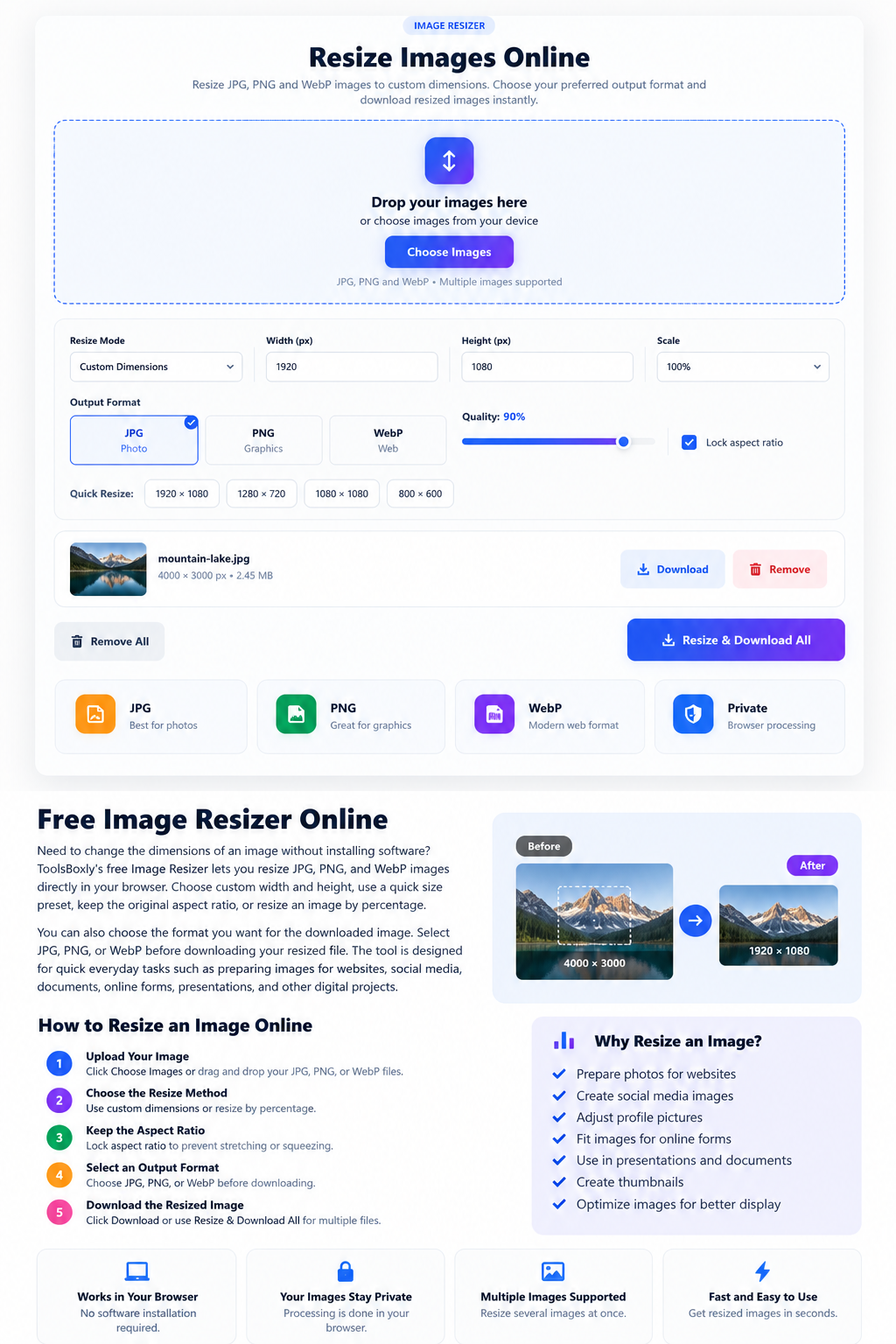
Open the Image Resizer for a related file or text task. Check the result before using or sharing it.