

PDFs often contain more information than people notice at first glance. A form may show an address, an invoice may include account details, and a scanned document may reveal information in the background. Before sharing a PDF, review what the recipient actually needs and remove information that should not be included.
Check every page
Read the document from beginning to end. Look at headers, footers, signatures, notes, and pages that were included by mistake. If the recipient needs only a specific section, create a smaller copy using the PDF Splitter rather than sharing the entire file.
Understand redaction
Drawing a black rectangle over text may only hide it visually; the underlying text could remain selectable or recoverable. Use a genuine redaction feature designed to remove the selected information, then save a separate copy and test it. If you are unsure whether a method securely removes the content, do not rely on it for sensitive data.
Check comments and metadata
Some documents include comments, tracked changes, form fields, or metadata that may reveal names or internal details. The steps needed to inspect these depend on the software used to create the PDF. If the document is confidential, follow your organization’s approved process for preparing external copies.
Share the minimum necessary
Only send the pages and details required for the task. Use a clear filename without unnecessary personal identifiers. Confirm the recipient’s email address or upload destination before sending. A secure file link with appropriate permissions may be preferable to an unrestricted public link, depending on the service and the sensitivity of the document.
Keep a private original
Save the original in an appropriate secure location and create a separate shareable copy. This helps preserve records and reduces the chance of accidentally altering the only copy. When using online PDF tools, review the service’s privacy information and avoid uploading sensitive documents to a service that does not meet your requirements.
Before you share
- Remove pages that are not needed.
- Review every page for visible personal details.
- Use proper redaction rather than drawing over text.
- Check comments, form fields, and metadata when relevant.
- Verify the recipient and permissions.
Document privacy depends on the content, the tools used, and how the file is shared. A deliberate review is one of the simplest ways to reduce accidental disclosure.
Related Guides
You may also find it useful to reduce PDF size without losing readability (read this guide) and split out only the pages you need (read more). Browse the Guides & Tutorials category for more practical articles.
Example: preparing a shareable copy
If an invoice is being sent to a supplier, first identify which fields the supplier needs to see. Create a separate copy, remove unrelated pages, and use a proper redaction tool for details that must not be disclosed. Save the copy under a clear filename, close it, reopen it, and try searching or selecting the redacted text. If the information is still present, the redaction was not effective.
Check before uploading
Review the destination, access permissions, and the service’s data-handling terms before uploading confidential records. If the document is covered by workplace, legal, or regulatory rules, follow the approved process rather than relying on a general online utility. Keep the unredacted original in a restricted location only when you are authorized to retain it.
Related file utility
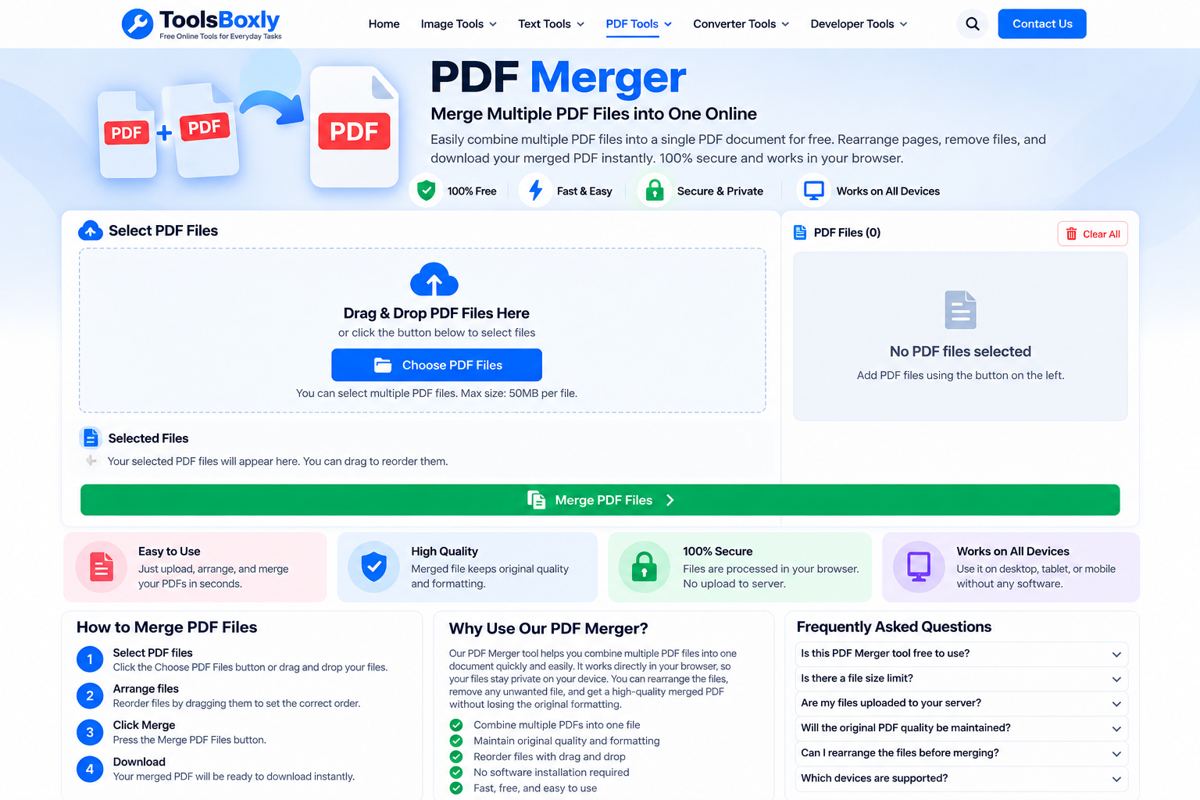
Open the PDF Tools for a related file or text task. Check the result before using or sharing it.
1 thought on “How to Protect Personal Information Before Sharing a PDF”
Comments are closed.